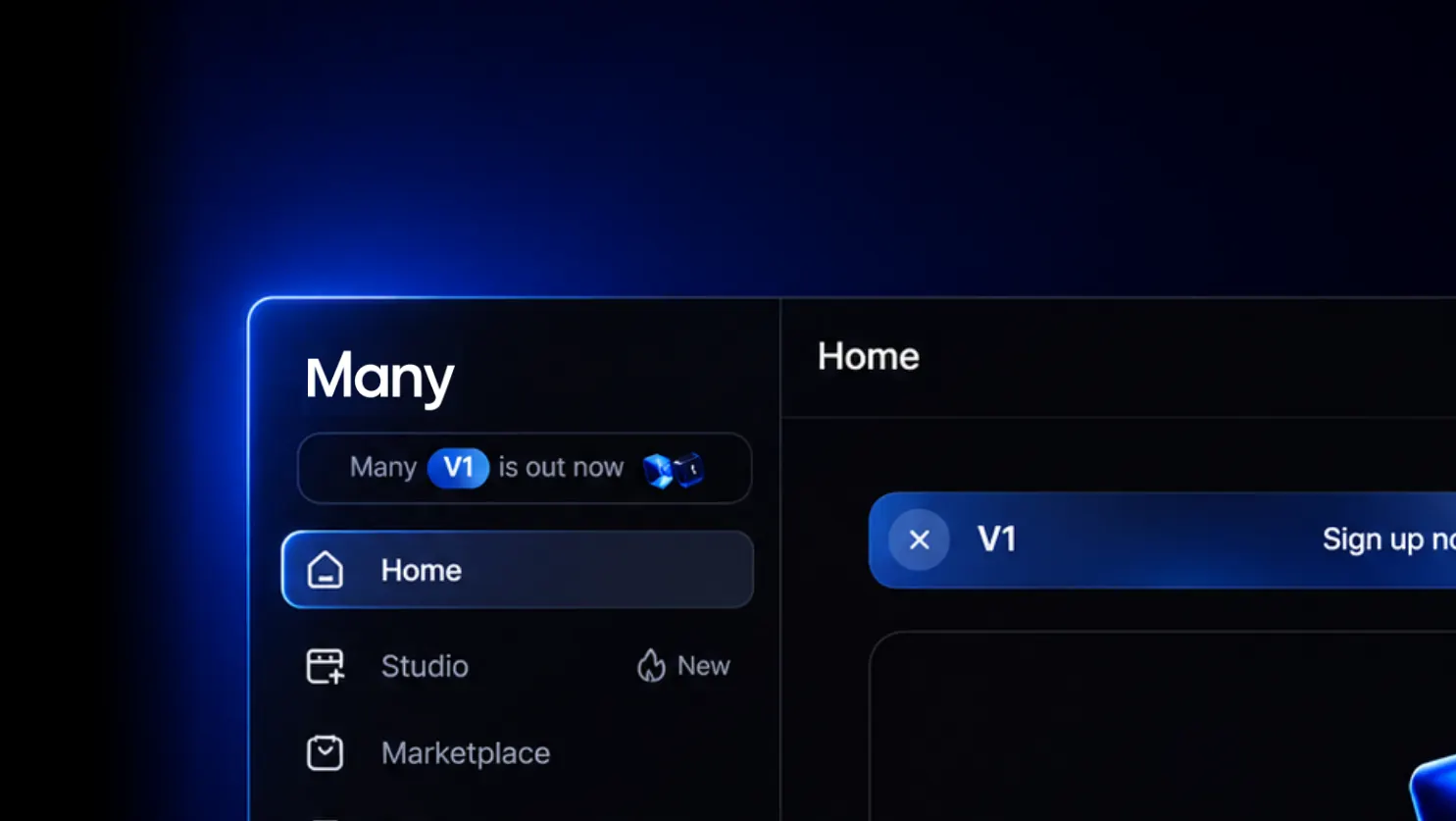
Not just vibes, a full platform: everything you can create with Many
Most AI tools give you one trick. Many gives you the whole production: the best video, image and voice models, a real editor, Instagram automation that sells for you, and a marketplace where your work can earn money.
What is Many?
Many is an all-in-one AI creative platform for creators, brands and teams. A typical AI workflow today looks like this: one subscription for a video generator, one for images, one for voices, an editing app on top, and then another tool to handle your Instagram DMs. Every tool has its own credits, its own login and its own export step. Many replaces that stack with a single account and a single balance of points.
Everything in Many is built around four parts that work together: Image & Video to generate, Studio to edit, Flows to turn views into followers and sales, and the Marketplace to find creative assets. You can go from a one-line idea to a finished, posted video that collects leads, without leaving Many.
Image & Video: 100+ AI models, one place
Image & Video is where you create. You type what you want to see, choose a model and generate. Because new models come out almost every week, Many adds them as they launch, so you always work with the latest generation without switching companies or cards.
Every model has its own strength, and Many lets you pick the right one per shot. A few favourites:
| Model | Best for | 5 s video from |
|---|---|---|
| Seedance 2.5 | Cinematic scenes with sound, multi-shot stories | $0.84 |
| Veo 3.1 Fast | Realistic shots with native audio | $0.66 |
| Kling 3.0 Pro | Strong motion, action and people | $0.74 |
| Kling 2.5 Turbo | Fast, low-cost drafts and social clips | $0.31 |
| MiniMax H3 | Expressive characters and faces | $0.32 |
| Wan 2.6 | Stylised and animated looks | $0.66 |
For images the story is the same. GPT Image 2 makes clean ad visuals and text for about $0.03 per image, Nano Banana is great for quick edits and product shots, Nano Banana Pro gives you studio-level detail for around $0.18, and Seedream 4.5 is a favourite for fashion and editorial looks. You can also upscale any finished video with Topaz Video Upscale to make it sharp enough for a big screen.
Prices are shown in dollars on a monthly plan and come straight out of your points, so you only pay for what you actually generate. There is no separate subscription per model.
Elements: the same face, product and place in every shot
The biggest problem with AI video is consistency. Your main character looks slightly different in every clip, and your product changes shape. Many solves this with Elements. You save an avatar, a product, a location or a prop once with up to five photos, and then tag it in any prompt. The model gets your references every time, so your story keeps the same person in the same jacket in the same street from the first scene to the last.
You can also direct the camera with moves like a slow push-in, a tracking shot or a whip pan, add start and end frames, and upload image or video references to control exactly how a shot looks.
Voices and talking avatars
Sound is half of a video, so voice is built in. You can choose from a library of ready-made voices, use the newest ElevenLabs voice model Eleven v4 inside Many, or clone your own voice from a short recording. Give an avatar a line of dialogue and Many lip-syncs it, so your AI influencer, presenter or movie character actually talks, in your voice or theirs.
What you can create with Many
The menu on many.new is not a list of features, it is a list of results. Here is how Many makes each one.
Brand visuals. Save your logo and products as Elements and generate on-brand photos and banners in any setting, so your feed always looks like one brand.
Ads engine. Write one product description and generate many ad variants with different hooks, scenes and formats for Instagram, TikTok and YouTube, then keep the winners.
UGC ads. An AI creator holds, uses and talks about your product with a lip-synced voice, so you get the authentic user-made style without shipping samples or paying creators per video.
AI influencers. Build a character with Elements, give them a voice and post them every day. The face stays the same in every post, which is what makes an audience recognise and follow them.
Clone your own voice. Record a short sample once and use your own voice for every voice-over, in videos you no longer have to record yourself.
AI movies and short dramas. Start from a story template, generate each scene with consistent characters, add dialogue and music in Studio, and release a full film or a series of short drama episodes.
Product ads. Turn one product photo into cinematic shots, close-ups and lifestyle scenes that sell the feeling of the product, not just the product.
Animated movies. Choose an animation style and keep your characters on-model across a whole story, from storyboard to final render.
Music videos. Upload your song, generate visuals that match the mood, cut them to the beat in Studio and release a music video without a crew or a location.
Studio: edit like a real production
Generating clips is only the start. Studio is a timeline editor built for AI video, so single shots become a finished story. You arrange, split and trim clips on a multi-track timeline, and when a scene needs another angle you generate it right inside your project instead of exporting and importing between apps. Add voice, music, sound effects and text, then export the finished video ready to post.
Flows: sell more on autopilot
Content only matters if it turns into results, and this is where Many goes beyond every other AI studio. Flows are Instagram automations that work while you sleep. When someone comments a keyword under your post, Many sends your link straight to their DMs and can reply to every comment for you. You can ask people to follow you before they get the link, so every post also grows your audience. People who didn't click get a friendly reminder later, and you can collect email addresses right from Instagram to build your own list.
So the same video you made in Image & Video and finished in Studio now sends links, captures leads and turns views into sales, all inside one account.
Marketplace, Experts and affiliate
The Many Marketplace is where you find templates, characters and creative assets to start faster. Many Experts is the community of creators who know the platform best and share how they work. With the affiliate program you earn 50% on every paid subscriber you bring in, with no cap on what you can earn.
Who Many is for
Creators use Many to post more and grow faster without filming every day. E-commerce and fashion brands use it for product ads, editorials and campaigns without booking a studio. Music artists make music videos without a production budget. Agencies deliver more content for every client from one account, and coaches and course creators turn their followers into students with content and Flows that follow up for them. Startups and enterprise teams get custom credits for the whole team.
Many vs ElevenLabs, Artlist, Higgsfield and Buzzy
There are great AI companies out there, and many of them do one thing very well. The difference is that Many is built to cover the whole journey from idea to sale.
| Main focus | What Many adds | |
|---|---|---|
| ElevenLabs | Voice and audio | Eleven v4 voices inside a full video studio, plus video, images and lip-sync in the same account |
| Artlist | Stock music, footage and AI generation for editors | Consistent characters with Elements, a timeline built for AI shots and Instagram automation |
| Higgsfield | AI video and image generation | The same top models for less per second, plus Studio editing and Flows |
| Buzzy | AI video editing | 100+ generation models, voice cloning and automations that turn your videos into leads and sales |
Put simply: with other tools you still need two or three more subscriptions to get from a prompt to a customer. With Many you need one. You generate with the best models, edit in Studio, post, and let Flows reply, send links and collect emails, all paid from one balance of points.
And Many costs less. For the same $19, Many makes 61 Seedance 2.0 videos where Higgsfield makes about 12, and almost 3× more Veo 3.1 Fast videos. Per second, Seedance 2.0 on a Many plan is $0.082, almost 4× cheaper than on Higgsfield. See the full Higgsfield vs Many price comparison.
How to get started
Create a free Many account and open Image & Video to generate your first shot, or start from a Studio template if you already know what story you want to tell. Save your face, product or character as an Element so every next shot stays consistent. Edit the video in Studio and export it. Then post it and switch on a Flow, so every comment becomes a conversation and every conversation can become a customer.
Run a company, a course, a school or a creator community? Read about the Many Partners program and bring Many to your own students, clients or followers.
FAQ
Is Many free?
Yes. You can create an account and start for free. Paid plans give you more points and features like Studio export.
Which AI models does Many have?
More than 100, including Seedance 2.5, Veo 3.1, Kling 3.0, MiniMax, Wan, GPT Image 2, Nano Banana Pro, Seedream and Eleven v4 for voices. New models are added when they are released.
How does pricing work?
Everything runs on points. Each model uses a set number of points per second of video or per image, so a 5 second clip can cost from about $0.20 to $2 depending on the model you choose.
Can I use my own voice?
Yes. Clone your voice from a short recording and use it in voice-overs and talking avatars with lip-sync.
Can Many reply to Instagram comments and DMs?
Yes. With Flows you can automatically reply to comments, send DMs with links, follow up with people who did not click and collect email addresses.