Higgsfield vs Many: the same AI models, up to 5× more video for your money
A year ago the question was which AI model makes the best video. Today almost every serious platform gives you the same handful of top models, so the question has changed. It is no longer about which model you can use, but about where you want to build: where your credits go furthest, where your shots become finished films and ads, and where those videos actually turn into customers. In this guide we put Higgsfield and Many side by side on cost, speed and quality, and on everything that happens after you press generate.
What is Higgsfield?
Higgsfield is an AI video and image generator that became popular with creators who wanted quick, eye-catching clips. You open the site, pick a model or one of its ready-made effects, type a prompt or upload a photo, and a few moments later you have a short video. Higgsfield gives you access to well-known models such as Seedance, Kling, Veo, Wan, MiniMax and Nano Banana, together with its own models for camera moves, characters and stylised looks.
Its strength is how easy it is to get started. The presets and effects do a lot of the creative thinking for you, which is exactly what a beginner wants. You don't need to know how to write a long cinematic prompt or how a timeline works. You choose a look, press a button and get something you can post.
Higgsfield runs on credits. You buy a monthly plan, each plan gives you a number of credits, and each generation costs a set number of credits depending on the model, the length and the resolution. The cheapest paid plan, Starter, costs €19 per month when billed yearly and comes with 270 credits.
What is Many?
Many is an all-in-one AI creative platform. It is built on a simple idea: making a great video is only the first step, and the real work starts after that. So instead of stopping at generation, Many brings every step from idea to sale into one account.
It starts with Image & Video, where you generate with more than 100 AI models, including Seedance 2.5, Veo 3.1, Kling, Wan, MiniMax, Nano Banana Pro, GPT Image 2, Seedream and Higgsfield's own models. Next to that you have Elements, which keep the same face, product, location or prop consistent in every shot, and voices, with ready-made voices, the Eleven v4 model and the option to clone your own voice and lip-sync it to any character.
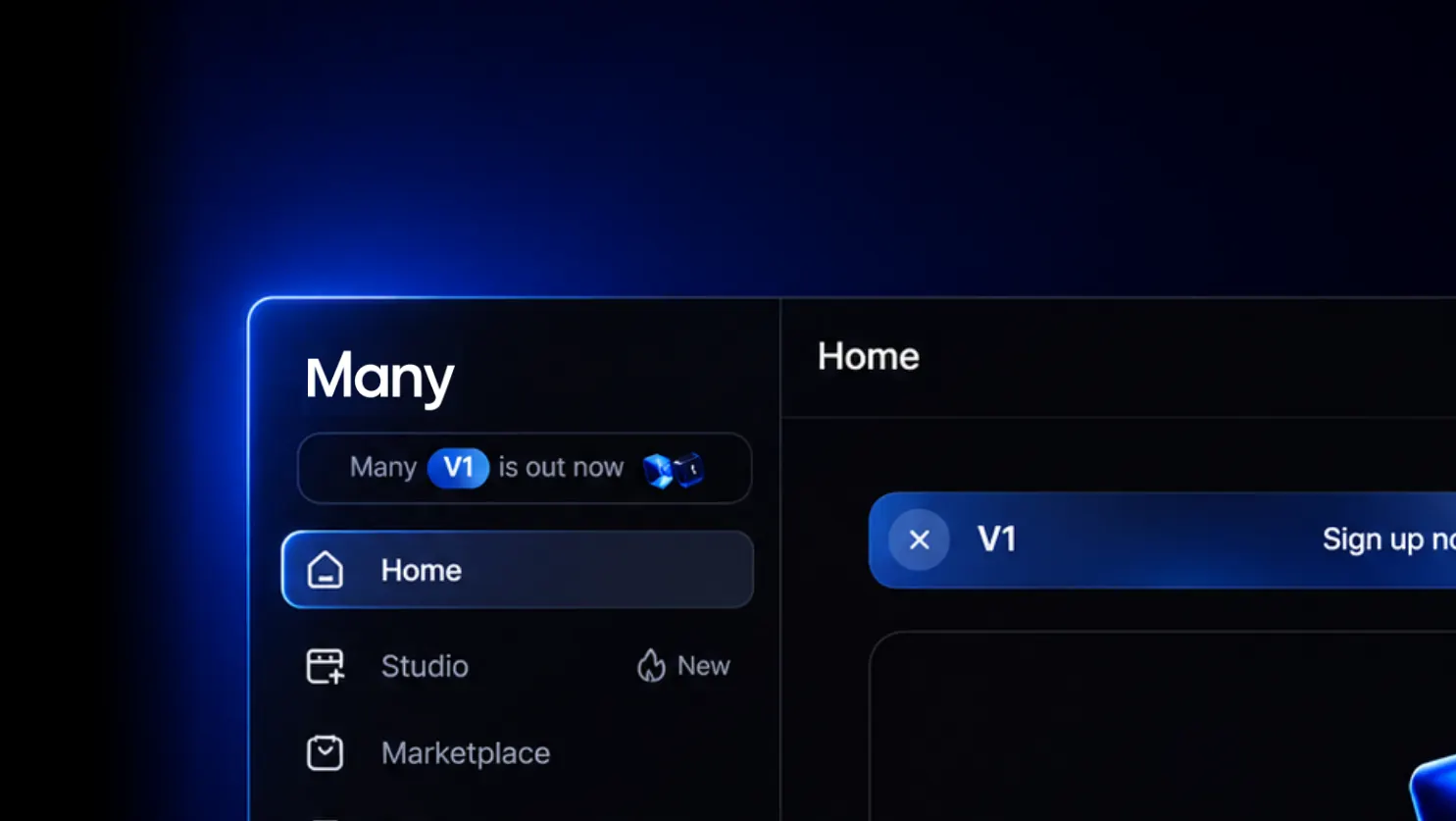
Then there is Studio, a complete editor for AI video where you turn single shots into full movies, animations and ads with a timeline, captions, music, sound effects and voice-overs. And finally there is Flows, Instagram automation that replies to comments, sends people your link in their DMs and collects leads, so the videos you make actually sell. Everything runs on one balance of points.
If Higgsfield is a fast way to make a clip, Many is a place to run your content: create it, finish it, publish it and turn it into revenue.
Quality: the model makes the shot, not the website
Let's start with the part most people worry about first. Will my video look worse on one platform than the other? The honest answer is no. In AI video, the quality of a shot comes from the model that renders it. Seedance 2.5 on Many is the same Seedance 2.5, Veo 3.1 is the same Veo 3.1 and Kling is the same Kling. The platform around it decides how you control the model and what you can do with the result, but it doesn't change the pixels the model produces.
Almost every model Higgsfield offers is also available on Many, and Higgsfield's own models are on Many as well. So if you have a favourite model for faces, for product shots or for fast action, you can keep using it. What changes is everything around it.
Where Many does improve the end result is consistency. A single beautiful shot is easy. Twenty shots in a row where the main character keeps the same face, the same hair and the same jacket is hard. With Elements you save a character or product once, with up to five reference photos, and tag it in every prompt. The model gets the same references every time, so your story holds together from the first scene to the last. You can also guide each shot with start and end frames, image and video references and camera moves like a slow push-in, a tracking shot or a whip pan. That control is what separates a set of random clips from something that feels like a real production.
Cost: how far does the same money go?
This is where the two platforms really start to differ. Because both give you the same models, the fairest test is simple: put the same amount of money into both and count how many videos you get.
On Higgsfield we used the Starter plan at €19 per month (billed yearly) with 270 credits, and the credit cost for each model that Higgsfield lists on its own pricing page. On Many we spent the same $19 as a $10 monthly plan plus $9 of extra points, which together gives 375,000 points. Then we counted how many 5 second videos each budget makes with the same model.
Many Higgsfield · 5 second videos for $19
| Model | Many | Higgsfield | You get |
|---|---|---|---|
| Seedance 2.0 | 61 videos | 12 videos | 5× more |
| Veo 3.1 Fast | 38 videos | 13 videos | 2.8× more |
| Veo 3.1 | 12 videos | 5 videos | 2.2× more |
| Seedance 2.0 Fast | 42 videos | 22 videos | 1.9× more |
| Seedance 2.5 | 30 videos | 18 videos | 1.7× more |
| Kling 2.5 Turbo | 81 videos | 67 videos | 1.2× more |
| Kling 3.0 | 34 videos | 34 videos | Same |
Seedance is the model most creators reach for when they want cinematic AI video, and that is exactly where the gap is biggest. A Seedance 2.0 clip on a Many plan costs $0.082 per second. On Higgsfield Starter the same 5 second clip costs 22 credits, which works out to about €0.31 per second. That makes Many almost four times cheaper per second for Seedance 2.0, around twice as cheap for Veo 3.1 Fast, and clearly cheaper for Seedance 2.5, the newest version.
The same balance of points also covers images, and there is plenty left for them. $19 on Many is enough for roughly 785 GPT Image 2 images, around 680 Nano Banana images or about 140 Nano Banana Pro images. You don't need a separate image plan, and points you don't spend on video simply go to stills, thumbnails and product shots.
Why price per second matters more than the plan price
It is tempting to compare platforms on the monthly price alone, but the number that decides your real cost is the price per second of finished video. Nobody gets the perfect shot on the first try. A typical scene takes several attempts, a full ad needs ten or twenty shots, and a short film can need a hundred. If every attempt costs four times as much, you either make four times fewer tries or you pay four times as much for the same result. Cheaper seconds don't just save money, they give you room to experiment, to fix details and to make a better final video.
Mass production: when one video a week becomes one video a day
For a hobbyist who makes a few clips a month, the difference in cost is nice to have. For anyone who produces content as a business, it changes everything.
Think about a brand that wants to post a new product ad every day, a creator running an AI influencer account, an agency delivering content for ten clients, or a music artist who wants a visual for every single. They are not making one video. They are making hundreds of shots every month, and they need every one of them to look on-brand.
That is the kind of work Many is built for. Lower costs per second mean the same budget covers far more output. Elements keep characters and products consistent across all of those videos, so your AI influencer looks like the same person in post one and post three hundred. Story templates in Studio let you reuse a structure that works, like a product ad, a UGC-style review or a short drama episode, and simply swap in new shots. And because image, video, voice and editing live in the same place, you don't lose hours downloading, re-uploading and syncing files between tools.
If you plan to produce at scale, the platform you choose is not a small decision. It decides how much each piece of content costs you and how many pieces you can make before the month is over.
Speed: from idea to a finished, posted video
Because both platforms run the same models, a single clip takes about the same time to render on each. If you only measure the seconds between pressing generate and seeing your shot, you won't notice a big difference.
The real speed difference is in everything around the clip. On a pure generator the workflow usually looks like this: you generate your shots, download them, open a separate editing app, import everything, add music and captions, record or generate a voice-over somewhere else, export the final video, upload it to Instagram, and then sit there replying to comments and DMs by hand. Every step is another app, another export and another chance for something to go wrong.
On Many that whole chain lives in one place. You generate inside Studio, drop the shots straight onto your timeline, add voice, music, sound effects and captions, export, post, and switch on a Flow that handles the replies for you. You go from a one-line idea to a finished video that is already collecting leads in a single session. For a creator or a small team, that saved time is often worth more than the credits.
Studio: a place to create, not just to try
Both platforms have a studio, but they are made for different people, and this is one of the clearest ways to decide which one fits you.
Higgsfield's studio is a great starting point for beginners. It leans on presets, effects and templates, so you can get something impressive with very little effort. If you want a fun clip for your feed and you don't want to think about cuts, pacing or sound design, that simplicity is a real advantage.
Many Studio is built for people who want to combine the human touch with AI doing the heavy lifting. It is a complete editing system made for AI video. You get image and video generation right inside the editor, a multi-track timeline where you arrange, split and trim your shots, and layers for captions, sound effects, music and voices. When a scene needs another angle, you generate it on the spot without leaving your project. When the dialogue needs a voice, you add it from the same screen, in a library voice, with Eleven v4 or in your own cloned voice, and lip-sync it to your character.
That makes it possible to create things that go far beyond a single clip: full AI movies with a beginning, middle and end, animated films with consistent characters, short drama series, music videos cut to the beat, and real ads with a hook, a product moment and a call to action.
It also changes how you spend your credits. On a pure generator it is easy to burn through your balance on random tries, hoping that the next prompt finally gives you something usable. In Many Studio you build a story shot by shot. You know which scene you need next and why, so every generation has a purpose. Many is not only a place to test models. It is a place for creation.
Flows: the part only Many has
When we compared the two platforms, this was the biggest difference we found. Many has Flows. Higgsfield doesn't have anything like it.
Flows is Instagram automation built around comments. You post a video and ask people to comment a keyword, for example "LINK" or "PRICE". The moment someone does, Many automatically replies to their comment and sends them a DM with your link. You can ask them to follow you before they receive it, so every post also grows your audience. People who didn't click get a friendly reminder later, and you can collect email addresses straight from the conversation to build your own list.
This fits perfectly with AI creation. Until now, an AI tool helped you make the ad, and then you were on your own. With Flows you not only create an ad for your product or service, you also lead the people who watch it to your website, your shop or your booking page through automated DMs. The video doesn't just get views, it gets customers.
Why selling inside the platform matters
There is a second reason Flows works so well, and it has to do with how social platforms think. Many is a certified Meta partner, and the whole sales conversation starts inside Instagram's own DMs. You are not dragging people away from the platform with a random link in your bio. The conversation, the click and the first step of the sale all begin where your audience already is.
That is good for you and good for the platform. Every keyword comment is real engagement on your post, and more comments are one of the clearest signals that a video is worth showing to more people. So the same mechanism that sends your link also helps your video reach a bigger audience, which brings more comments, more DMs and more sales. Your content stops being something you post and hope for the best, and becomes a system that keeps working after you close the app.
Voices, characters and the details that make content feel real
A lot of AI video still feels like a silent tech demo. What makes people stop scrolling is a face they recognise and a voice that talks to them. Many puts both in the same workflow.
You can build an AI influencer or presenter with Elements, give them a voice from the library, use Eleven v4, or clone your own voice from a short recording, and then lip-sync it to the character. For brands this means UGC-style ads where an AI creator holds, uses and talks about your product. For creators it means videos in your own voice that you didn't have to record. For filmmakers it means characters who actually speak their lines.
Who should choose which platform?
Higgsfield is a good choice if you are a beginner who wants to play with AI video, try effects and make the occasional clip without learning an editor. It is quick to understand and fun to use.
Many is the better choice as soon as content becomes part of your work or your business. That includes creators who want to post every day, e-commerce and fashion brands that need product ads and campaigns, music artists who want videos for every release, agencies delivering content for several clients, and coaches and course creators who want to turn followers into students. Teams, schools and course creators can also join Many Partners for custom credits for their whole group.
Conclusion
Higgsfield is a good place for beginners to start. But if cost matters, if you want to produce content at scale, if you want a real studio to turn shots into finished movies and ads, and if you want Flows to turn every view into a lead or a sale, choose Many.
FAQ
Is Many cheaper than Higgsfield?
For the same $19, Many makes up to 5× more Seedance 2.0 videos, almost 3× more Veo 3.1 Fast videos and 1.7× more Seedance 2.5 videos than Higgsfield Starter.
Is the video quality the same?
Yes. Both run the same models, so a Seedance, Veo or Kling clip looks the same on both platforms. Many adds Elements and references to keep characters and products consistent across shots.
Are Higgsfield's own models on Many?
Yes. Next to 100+ other models, Higgsfield's own models are available on Many too.
What does Many have that Higgsfield doesn't?
Flows for Instagram comment and DM automation with email capture, and Studio, a full editor with captions, sound effects, music and voices for AI movies, animations and ads.
Which one is better for beginners?
Higgsfield's presets make it easy for a first try. If you want to grow beyond single clips, Many gives you the same models for less, plus Studio and Flows.
Comparison is based on prices as of November 2, 2026.